


JRSC01
-
Posts
197 -
Joined
-
Last visited
Recent Profile Visitors
3,681 profile views



Mood

- Currently Feeling Satisfied
JRSC01's Achievements






-
 Thanks! @wearecity not seen this one!
 -
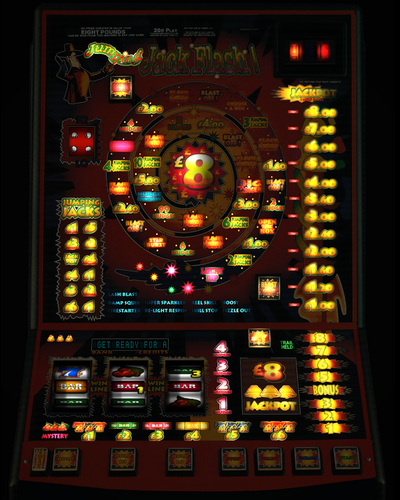 Congratulations, and a HUUGGEE Thank You for your 600th release! Very impressive amount you have done.
 -
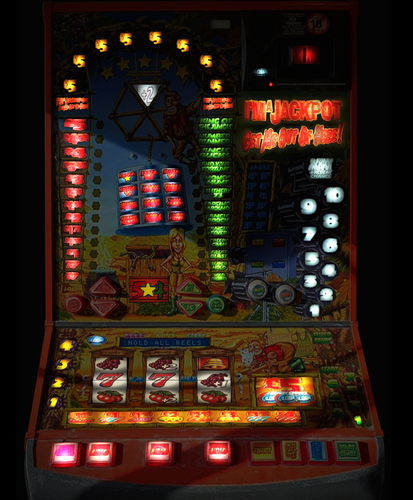 thanks Vecs, just in time for IAC - "get it in the bag!"
 -
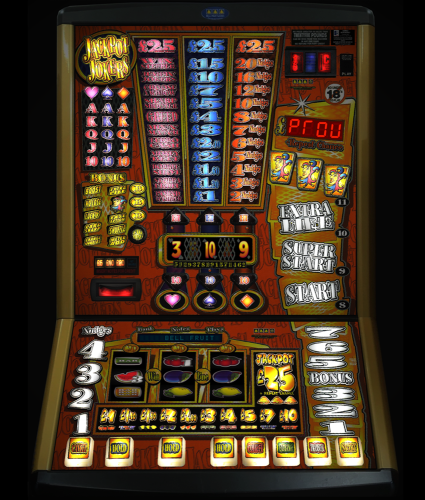 Thanks for the upload, never seen this one before
 -
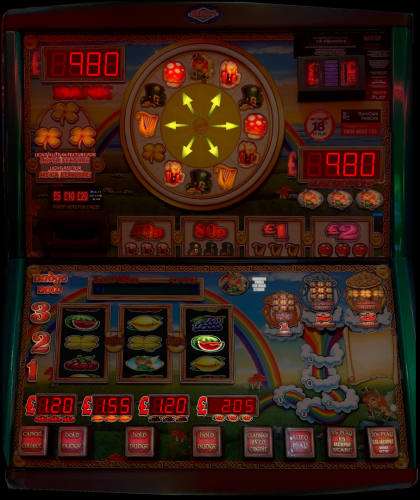 not me, mine worked ok
 -
_1.thumb.jpg.28e023f62560f5005d9211e107df1934.jpg) many thanks
many thanks -
I still am partial to the £15 games (when i played for real probably the first time) Spiker the Biker and such Barcrests, but hating the recent £100 cashgrabs now.
-
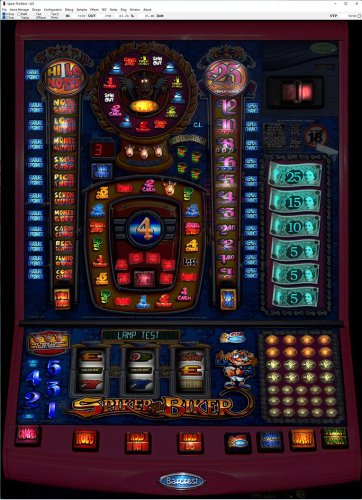 PS, love the @Wizard Coin in the coin tray
 -
Great machine, i alos used to play it and just loved it, i know what you mean by feeling 'safe' playing it.
-
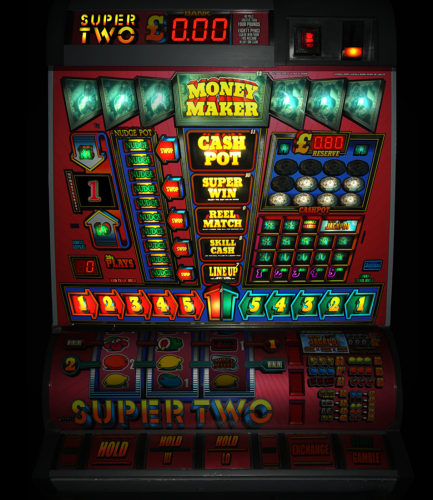 Congratulations on the big 500!
 -
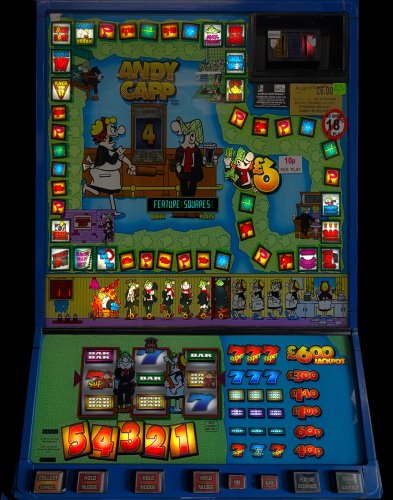 am oot a' here!.
 -
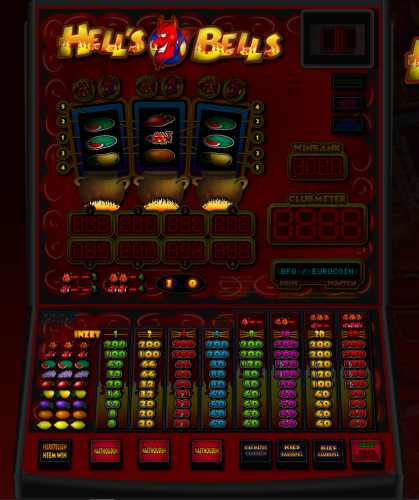 great layout and effects etc, i tried to have a go, but had no idea what i was actually doing lol...
 -
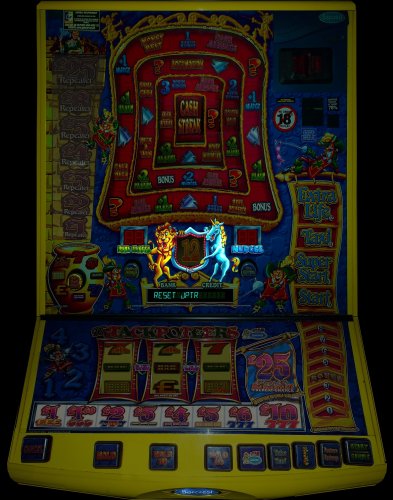 Thanks for the release. I wonder if its as tight to pay out like the £5 version was, took quite a lot before i got JP out of it...
 -
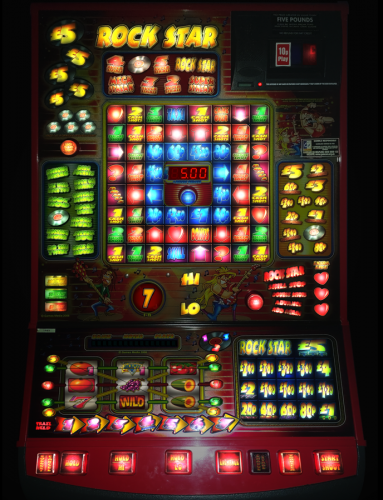 Thanks Vecs! looks exactly the same as JtR&R as you said!. maybe a dip setting to control the option for multiline stake? I'm not sure...
 -
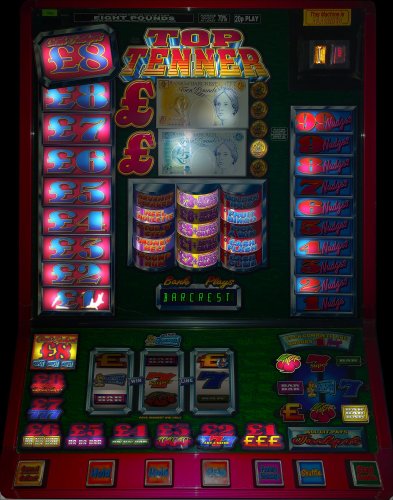 thanks again to @Liverpool2008for the HQ pics too! my local has a No Mobile Phone rule at all, to be even looked at whilst in the arcade, maybe paranoid?