



Road Hog Mad
-
Posts
868 -
Joined
-
Last visited
Content Type
Profiles
Forums
Gallery
Downloads
Articles
Everything posted by Road Hog Mad
-
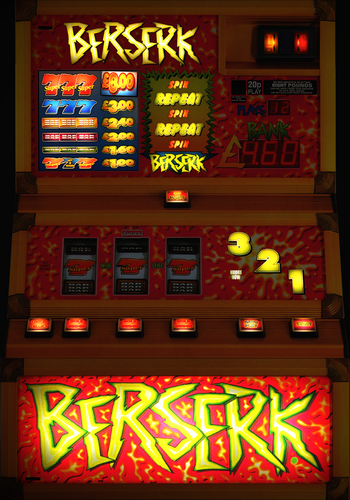 The 5p variant will be interesting
 -
Road Hog and Hot Rod are lamp 11. It was off temu for a couple of quid, i bypassed the x3 battery and wired it direct to pac drive and it works fine.
-
Got Hot Rod working now
-
Anyone know the cops and robbers bell fruit lamp number?
-
Probably going to be difficult figuring out the lamp numbers.
-
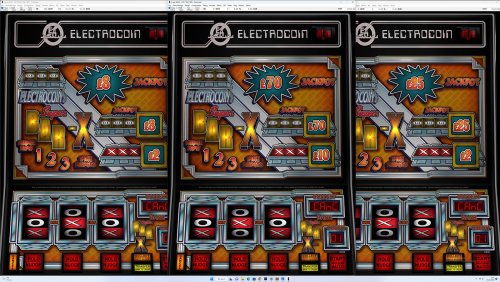
So for a couple of quid I added a blue beacon to my home build, the lamp number for the beacon is number 11 off the actual 1-12 reel, and it is connected to the LED controller number 10. As you can see it works when the POLICE lamp on the 1-12 reel lights up. What other machines do we have with beacons? I used to own a cops and robbers fruit machine and I attached a beacon to somewhere on the motherboard, looking at the emulation I have of cops and robbers is the beacon or lamp emulated on that?
-
Luxor, Sphinx?
-
You'll regret selling it, you'll end up building another, if you're short of money try to stick it out (or bet it all on black on 888.com lol). Short of space, build a wall mounted one like mine.
-
Dunno if this has been covered before, but I thought of a thread us cabinet builders can list their annoyances that we have had or still have and maybe how we over come them. A list of issues I had... 1. Games refusing to work or payout, 2. Coin mech giving x2 5 credits on certain games when £1 is inserted or not registering the credit at all unless you leave 5 seconds apart from inserting the £1. I'm not sure if it is an MFME issue, maybe some setting in that (the type of coin mech I have used is attached) 3. Coin routing issues, seems where you want the coin mech or hopper isn't always right (them Azkoyen hoppers are a fare size, even though compact). 4. The famous common ground problem, I actually nearly smashed mine up! 5. The wife moaning. Anything else you guys have experienced?
-
which rainbow riches is this? a b3?
-

Is anyone selling any hoppers need a £1 and 10p
Road Hog Mad replied to EdwardFarmer's topic in Cabinet Building
Your One Stop Shop For Arcade Parts And Components (arcadeworlduk.com) I have used these. -
Is anyone selling any hoppers need a £1 and 10p
Road Hog Mad replied to EdwardFarmer's topic in Cabinet Building
@EdwardFarmer You searched for paralell hopper - E-Service -
Empire - Haunted House 1440p WDX £5, £8, £10, £15 / 5p, 10p, 25p
Road Hog Mad commented on Ross's file in Empire
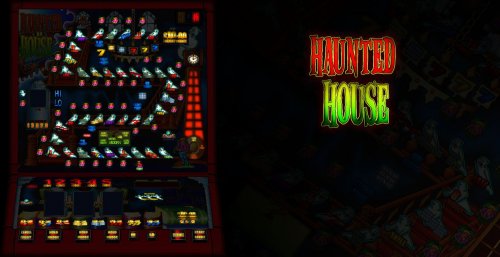 @Ross Been playing this on my home build, when you put coins in it sometimes doesn't register the credit despite the coin being accepted (in other words you have to insert £1 coins every 10 seconds), is this a setting in mfme?
 -
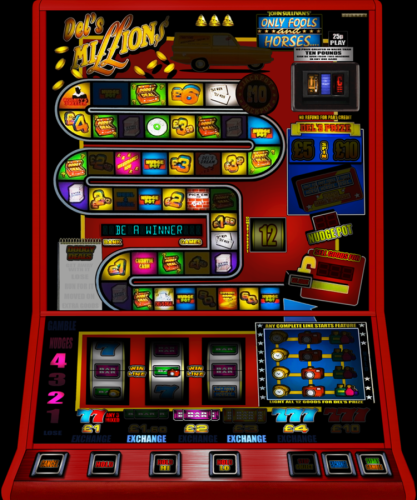 Brilliant, I know there wasn't a lot of artwork knocking around for this.
 -
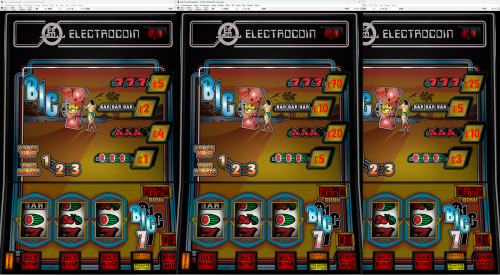 Think you can work your magic on a Red Hot Roll?
 -
Yep, I use this too.
-
Yeah.. old machines are triac and newer hopper. You'll be fine with the coin mech, but if you fancy a simpler option see my thread about my home build where I use an old style coin mech.
-
@clarkster change it to triac hopper 1
-
'r' on the keybourd while roller coaster is loaded if that's what you've played last and had the payout problem with. this is my setup....
-
@clarkster
-
It's not an MFME dip setting. If you have collected in the past and it hasn't paid out simply pressing 'r' on the keyboard should reset it (it'll probably spit previous coins out that haven't been paid out). "However, collecting from the machine layout doesn't give any results." In what way?
-
Common ground problem! Earth your I-PAC 'GND' to the PSU 'GND' as well!
-
@johnparker007 I have just downloaded it and give it a whirl, it is very impressive! I'm curious if it will work with a home build? But that would probably have to include navigation from custom buttons and maybe a touch screen interface, and there's the hoppers etc. If a machine is setup to work with hoppers and a coin mech and then loaded in to the arcade simulator will it still work? Not my intention to add my work to your current work load, I'm just keyboard thinking.
-
2GB graphics card will run MFME and 4K layouts fine. My setup with the a 2GB graphics card is 8GB ram, an i3 with 128GB SSD, it is not slow! Its probably over-specked. Coin mechs, if you want something easier than a 126 cashflow see my cabinet build.
-
 @slotsmagic New lamp, button 3 is 20p or token in