



Robsonmeg46
-
Posts
294 -
Joined
-
Last visited
Content Type
Profiles
Forums
Gallery
Downloads
Articles
Posts posted by Robsonmeg46
-
-
1 hour ago, dondplayer said:
Isn't it that it thinks it's empty ?
If so you just need to tick refill and fill it.
Tried that and it didn't work lol
-
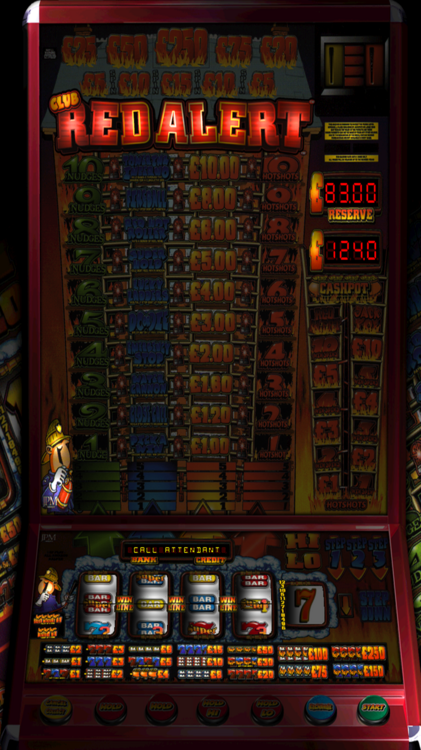
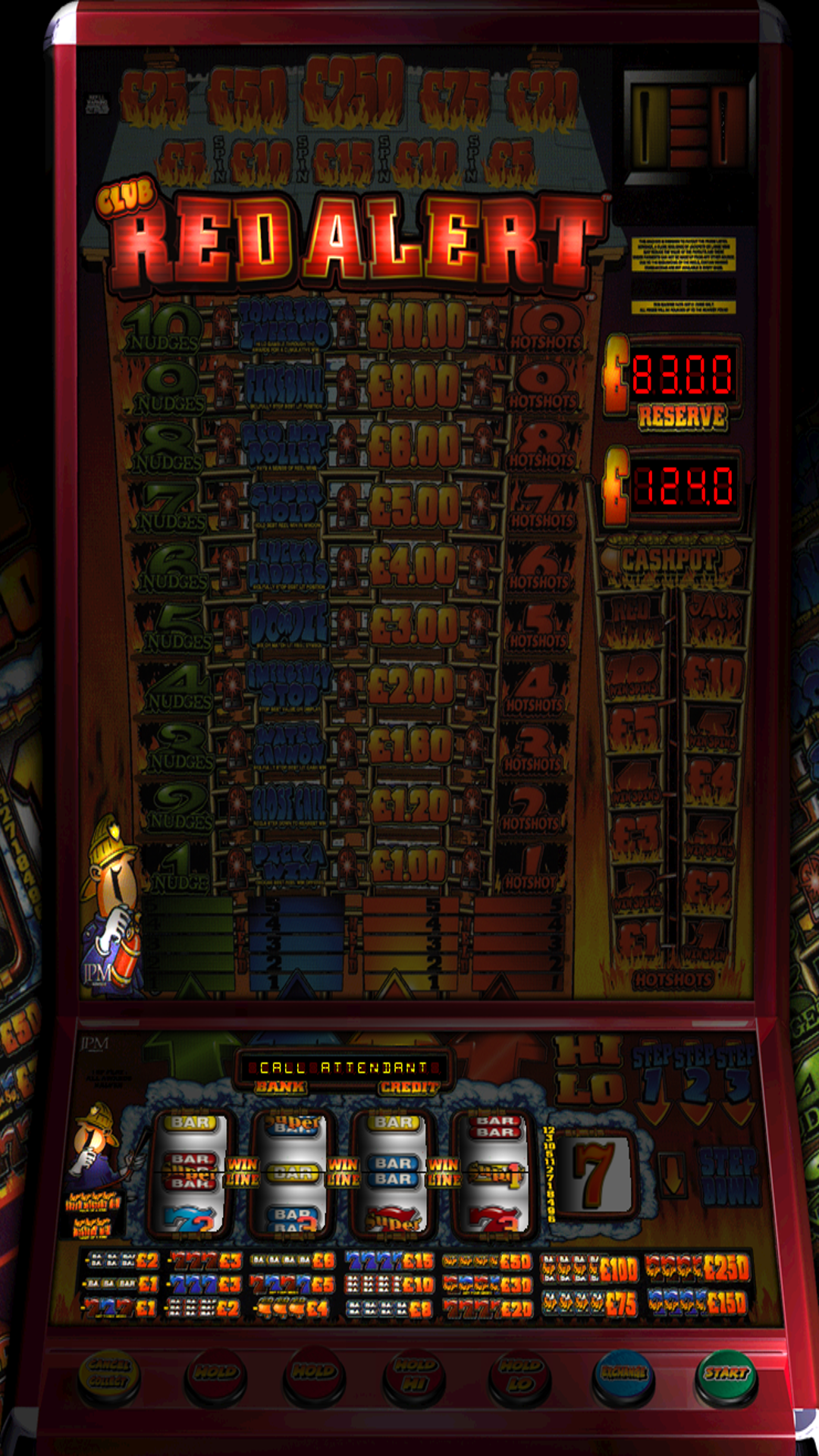
anyone had this before iou £10 call attendant i was playing Club Red alert and went to collect my winning and this happened and i dont know how to resolved it any help would be great cheers
-
Why don't u use rertfe coin ops that's what I use
-
Cheer got it worm now not sure what the problem was I deleted it and downloaded it again and reinstalled and it worked lol
-
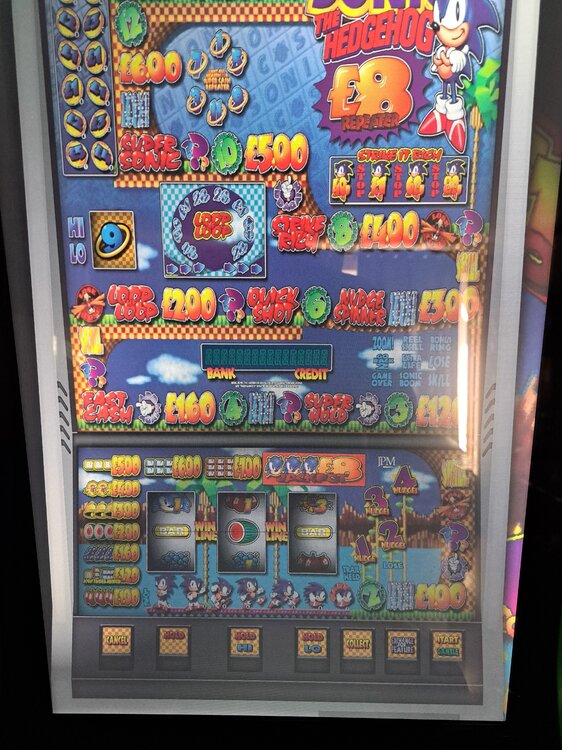
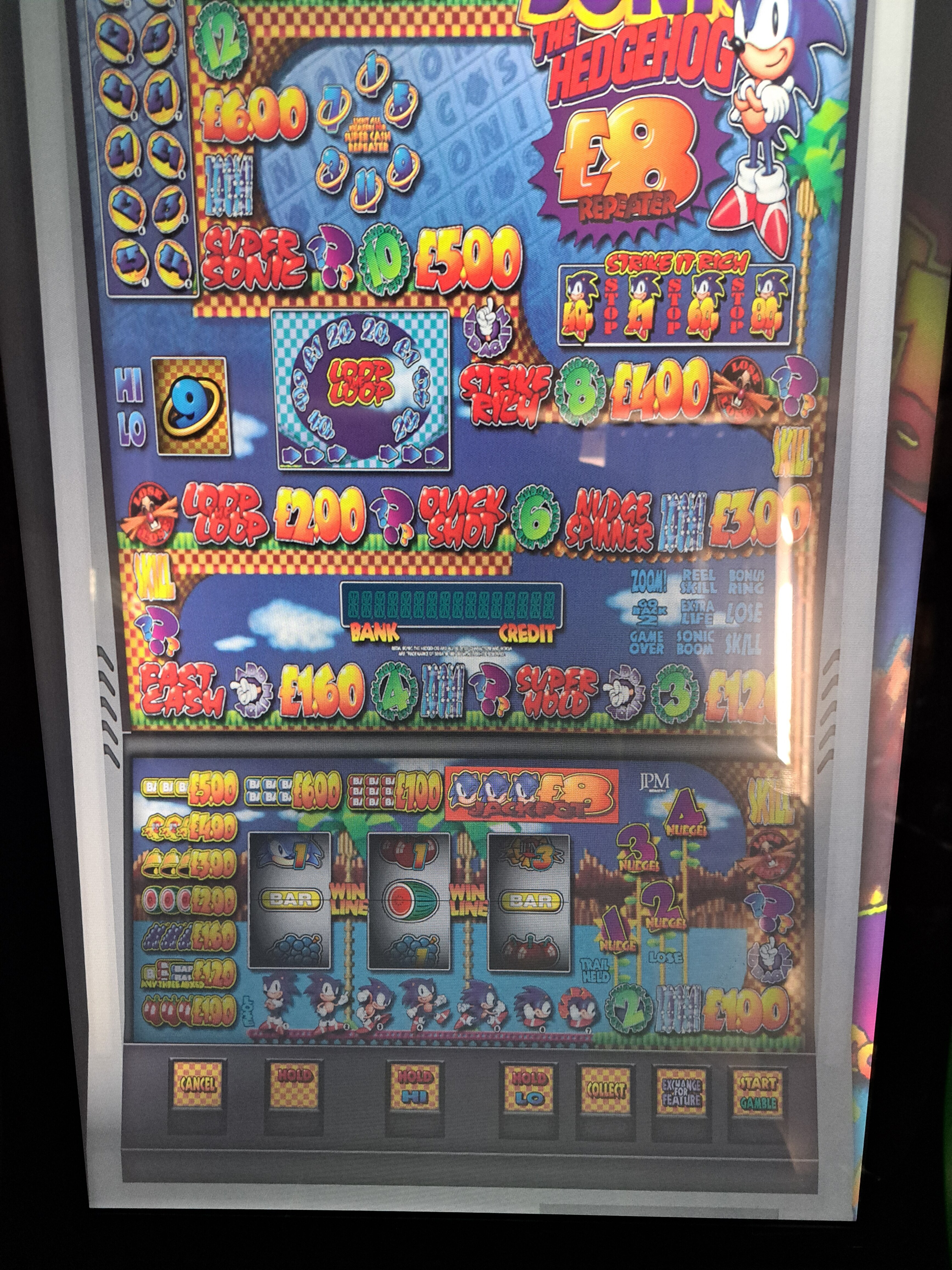
@Pook could u help me please with this sonic £10 and £8 load fine on my surface pro but on my main fruit machine. Cab £10 loads and works but £8.00 just looks like. The pic attached
Have tried ctrl and r but nothing happens I have compared the configuration of the jp8 on both machine and they are the same also all the settings but the 8jp just loads and stays like the pic
Many thanks rob
-
1 hour ago, dad said:
Enter edit mode - Design/Edit
Right click on any area of the background image but not on a lamp, reel, alpha etc
Choose Window Size and select anything from the drop down list.
Right click on any area (same as above) but this time choose - 'Resize to background Size' from the menu.This should restore it back to its proper dimentions. Don't forget to 'save layout' once done.
Cheers @dad that worked a treat thank u and a happy new year
-
 1
1
-
-
24 minutes ago, thealteredemu said:
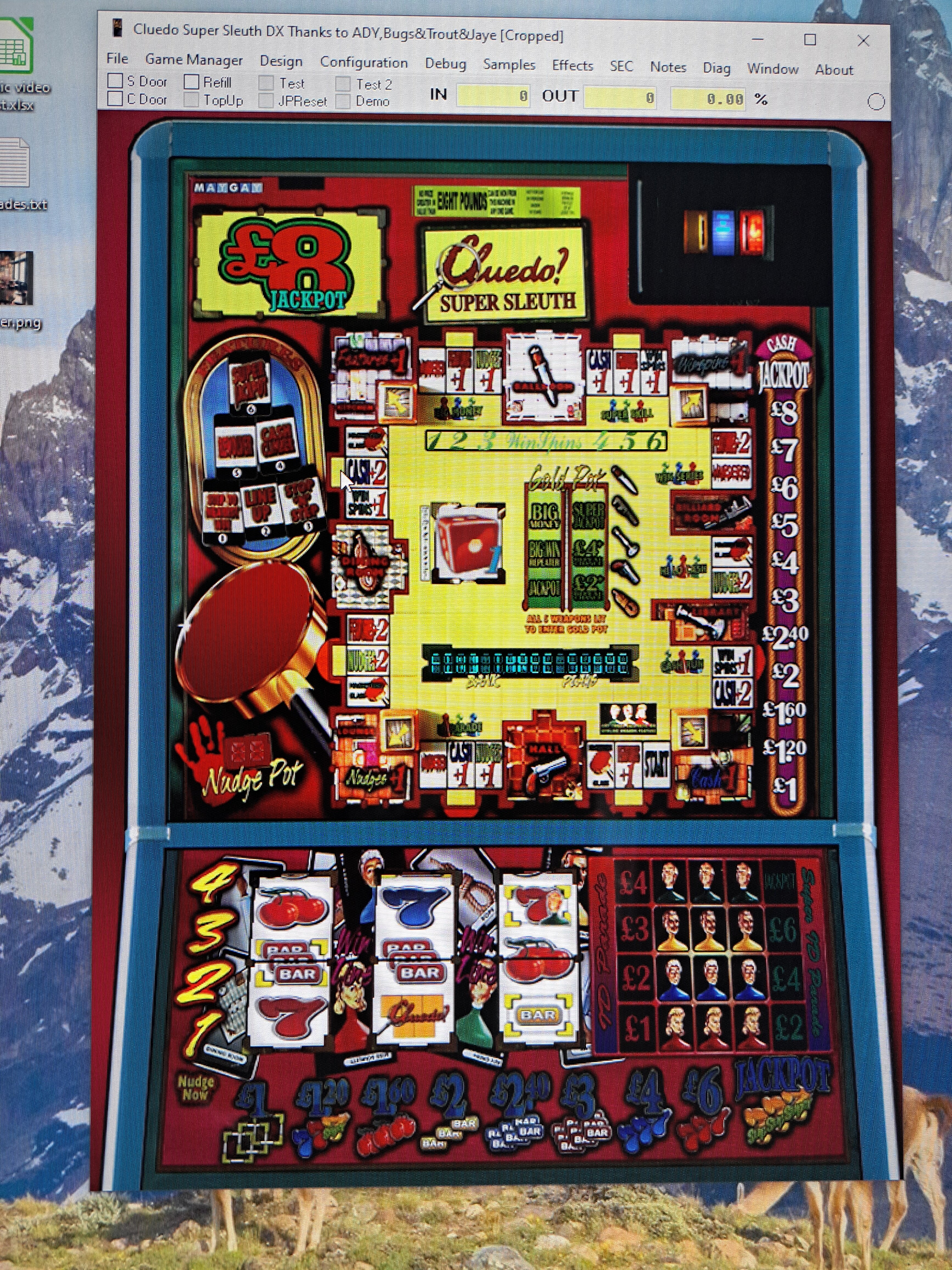
Doesn’t look like button section of the graphic isn’t there. Have you cropped it off?
Doenload and unzip again as I can’t imagine it was release in that form. Unless you’ve got a version that has been edited for use on a virtual machine can with physical buttons…. That would make more sense to me

J
Its the same in the download section on here I have not cropped the buttons off
-
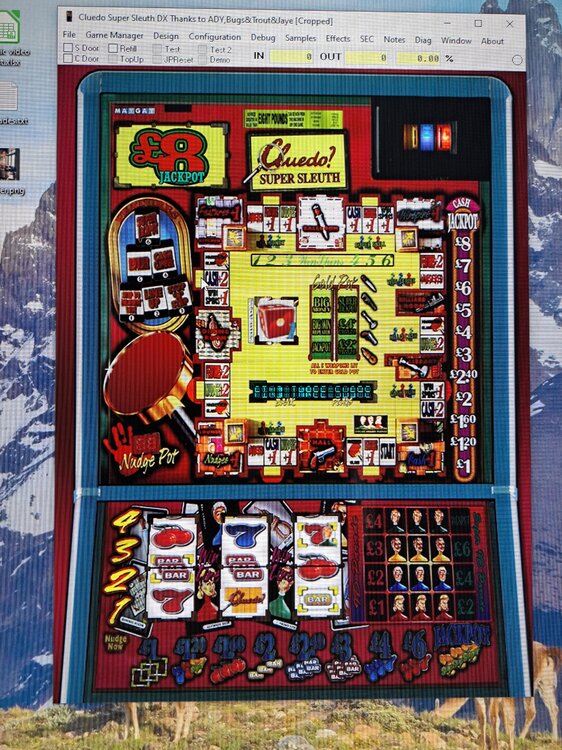
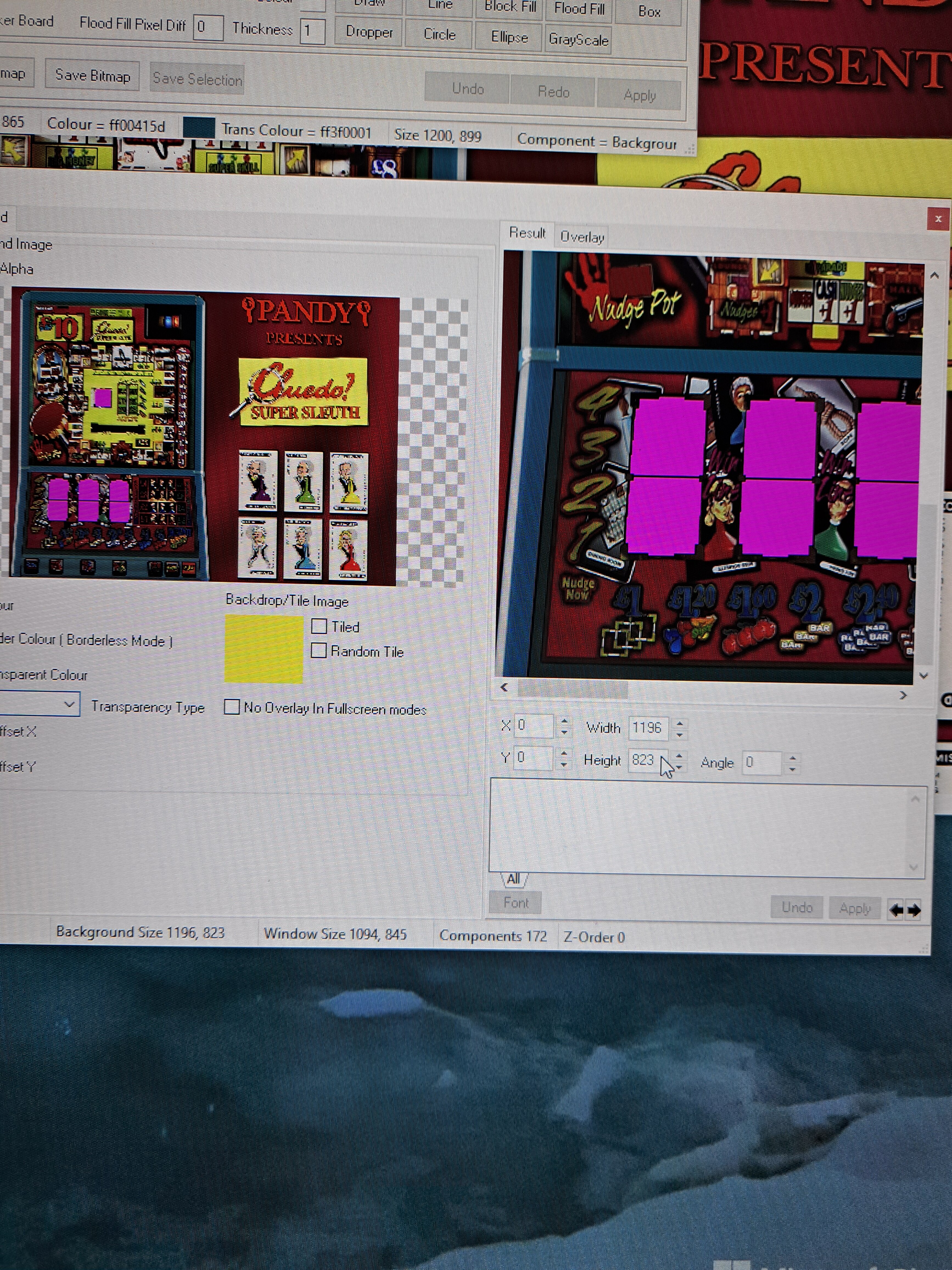
Could some please tell me how to get the lower buttons to show on this machine there are there in the graphic éditer but don't on the machine when playing it. Any help would be great cheers Rob
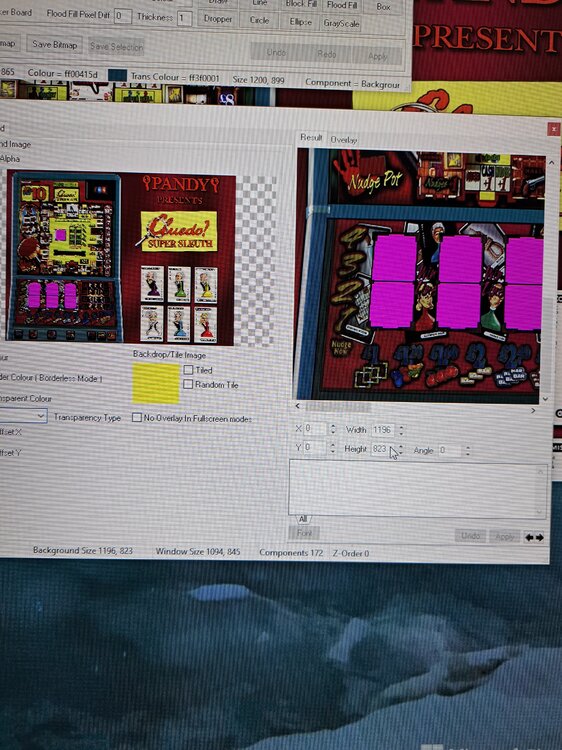
I believe I need to edit the height in the secound pic but I can't seem to change it
-
I have a few machine in my collection that's does not have paying out sound effects would some like to teach on how to add them please not to bothered if its the correct effect for the machine just would like a sound when paying out.
Many thanks rob
-
22 hours ago, fruitsnappa said:
If it's a Bellfruit machine, try dip switch 2 to ON that may disable it.
Thank you @fruitsnappawill give it a go
-
20 hours ago, vectra666 said:
It due to you restarting the machine to quickly before it’s initialised the more you do it the longer the alarm goes on for its best if you get this alarm wait till it stops play a few quid through before closing it down
Cheers @vectra666
-
46 minutes ago, Pauline said:
You just have to wait, it is a reset alarm.
Yes I know that but what course the 48 alarm I ask because some of my machines neve had the alarm then when I restart one it has the alarm lol
-
Would anyone be am to help answer these 2 question
What course alarm 48?
And how to avoid it?
Many thanks rob
-
-
Up on further investigation and trying to learn this stuff I found that the £15 repeat and the £3 repeat has 2 lines each in the component lamp list there all the others have 1 but did not have time to do anything about it as I had to leave for hell (work) will have a look this evening and see if deleteing the 2 extra lines corrects the problem.
Cheers Rob
-
17 hours ago, wearecity said:
Yes just swap the lamp numbers over. If they have red lamps also you might have to swap them as well.
Did that and it still does the same lol
Did just get £104 out of it tho even with the problem
-
Just got it again £15 plus repeat and the display said £3 plus repeat lol do I just swap the lamps over?
-
2 hours ago, dad said:
Quite possibly

How would I fix it please if its wrong cheers Rob
-
No. Sure lol will have to play it agian and see
-
Not sure if anyone can help but I have Oliver's twist dx £100 jp
And when I played it and got cash shot I got the £15 plus repeat and collected it only to win £3 and the repeats was the same amount would anyone know why this is?
Cheers Rob
-
26 minutes ago, RatCatcher75 said:
Hi guys - looking to build a large touch display for MFME use. Does anyone have any recommended displays please? I've seen a couple with built in Windows but obvs could just use external PC. Would be good to put one on some sort of wheeled stand.
Thanks in advance all help gratefully received.
Cheers!
Elo et2794 e3310401 is what I use for my mfme cab
-
1
-
-
Test pilot, action note, back when I was a kid lol
-
18 hours ago, Altharic said:
Copperwin, step n skip, copper account, sidewinder, spoof.
Don't seem to have step n skip need to find that one cheers for the recommendations
-
Good evening everyone currently have 2,180 emulated machines in my collections but I only play a few so after some recommendations (have played all star wars, hulk, Indian jones etc etc) was born in the 70s so played the old 2 p machines back in the day like trust pilot then in my teens a few of the pub machines but not many.
Please post what u like to play and I will give them ago
Enjoy life and keep playing
iou £10 call attendant
in Newbies Help Area
Posted
unless i am doing that wrong as well but it does not matter what u win and collect u still get the iou error on this machine.