



Road Hog Mad
-
Posts
868 -
Joined
-
Last visited
Content Type
Profiles
Forums
Gallery
Downloads
Articles
Posts posted by Road Hog Mad
-
-
1.17 REEL SPIN
The speed of the reel spin can be selected Normal or Fast, by Option Switch 5 on Selector Switch 2.
(Left = Fast, Right = Normal). In the Fast position the spin is as fast as possible for the shortest game cycle. In the Normal position, the reels are rotated slower for a longer game cycle which can be more acceptable in some situations.
In sites where the supply voltage is below nominal (240v) then some problems with running of the fast speed may be experienced. If in doubt select normal spin.
Erm...? Never seen that option.
-
 1
1
-
 1
1
-
-
11 hours ago, MPU_FIVE said:
Here is my copy of Andy luvs Flo... (buttons will need to be changed to your setup as it's set to my MFME keyboard layout)
alf1280WDX.zip 9.98 MB · 0 downloads
Or the legacy layout file is here on DIF....
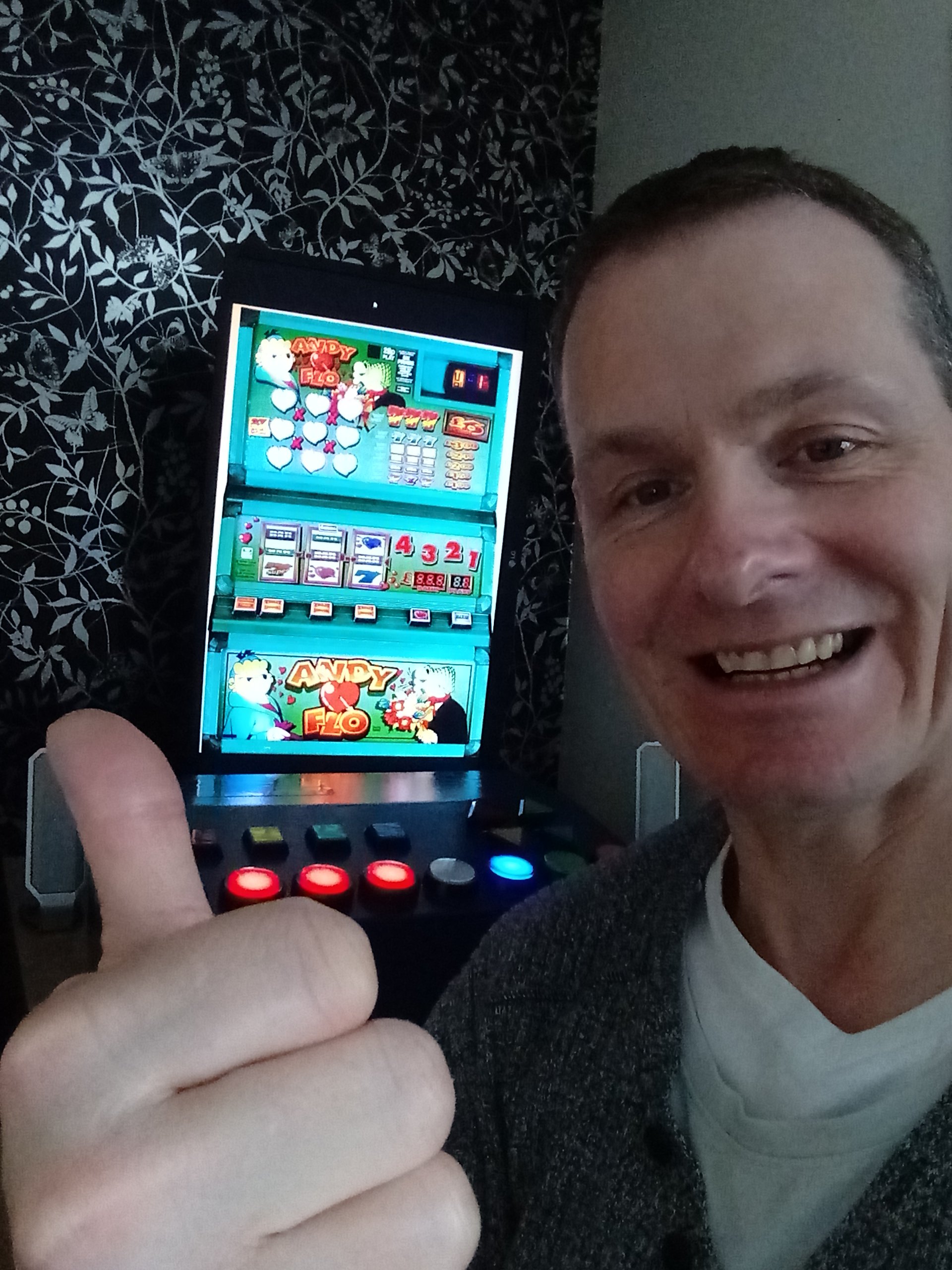
Thank you, I was missing that one. The reel spin speed spin is slower than normal I noticed, Is this on a dip setting?
-
1
-
-
On 07/04/2022 at 18:03, MPU_FIVE said:
Just wanted to say a massive thank you to @Geddy for providing these MFME Roms, (and indeed, the legacy layouts section too),
These Roms came in handy the other day (and indeed a few times before too), for cases like this where a layout is loaded but is lacking a certain rom, like Andy loves Flo here...
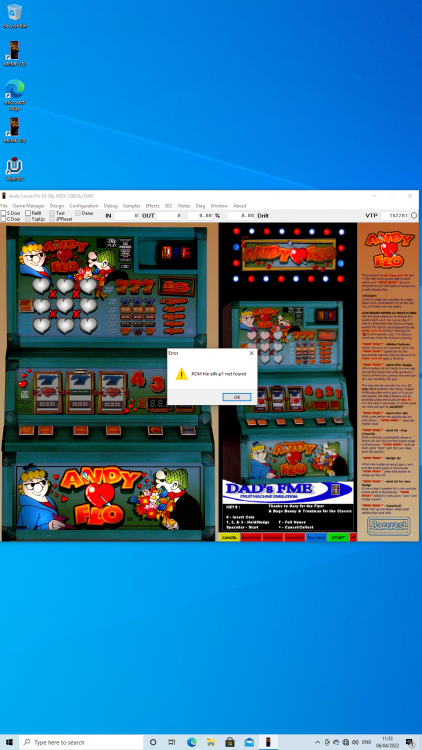
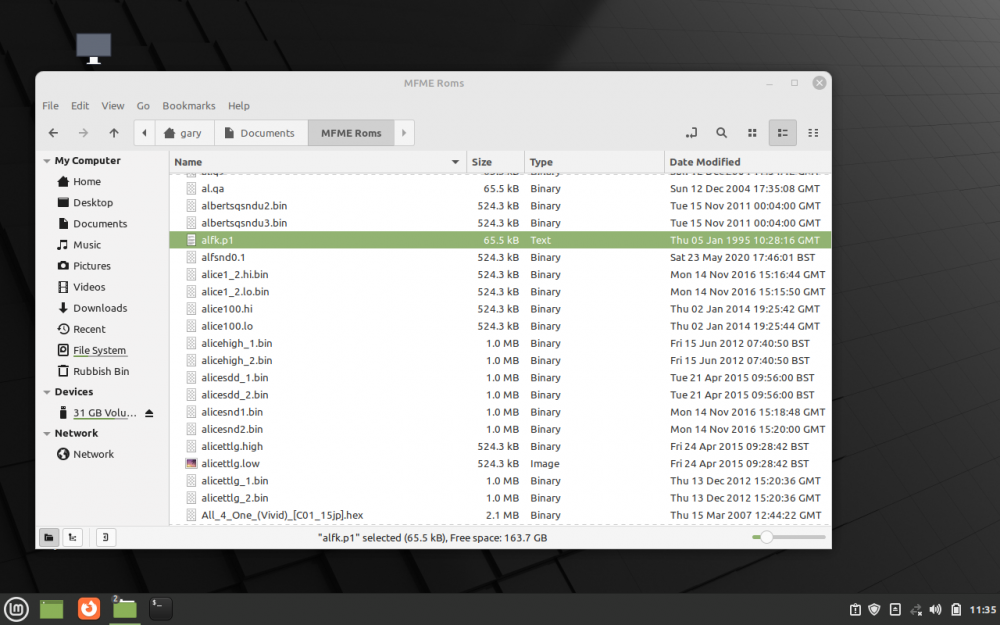
So it was onto my lappy and into the MFME Roms folder and lo and behold, there was the Rom i needed,
and the end result is a happy me, playing Andy loves Flo, bringing back memories of afternoons spent in Talk of the Town in Herne Bay, back in the late 90's & early noughties!
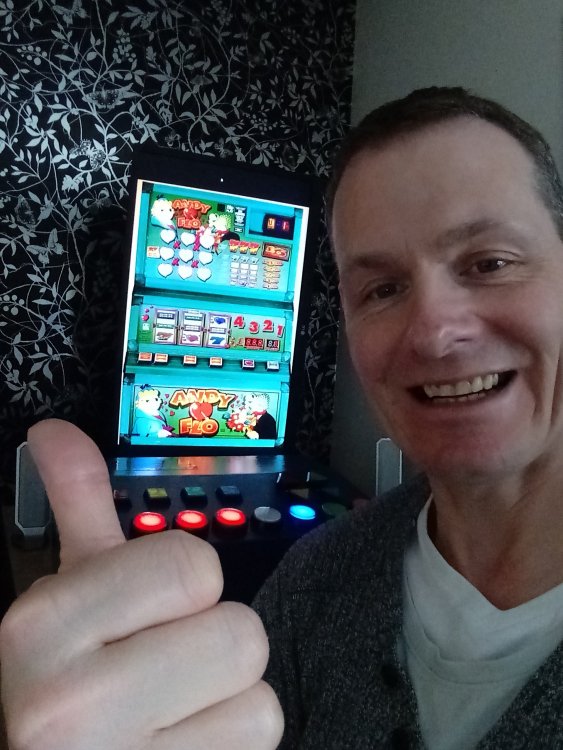
Thank you again, sir!
Hi, can you link me to download Andy & Flo please?
-
1
-
-
@Matt Try mine...
-
1
-
-
Or try my version of Touch Launch
-
Erm. I dunno as someone did it for me a few years back @Fruity Nut
-
I have this set to start-up auto on windows 10 on my home build, plus and minus volume control, the X closes the current mfme game and returns me to my home screen. Maybe of some use to you.

-
3
-
-
Mine is similarly situated to yours and isn't floppy. lol
-
 1
1
-
-
On 18/01/2024 at 11:58, slotsmagic said:
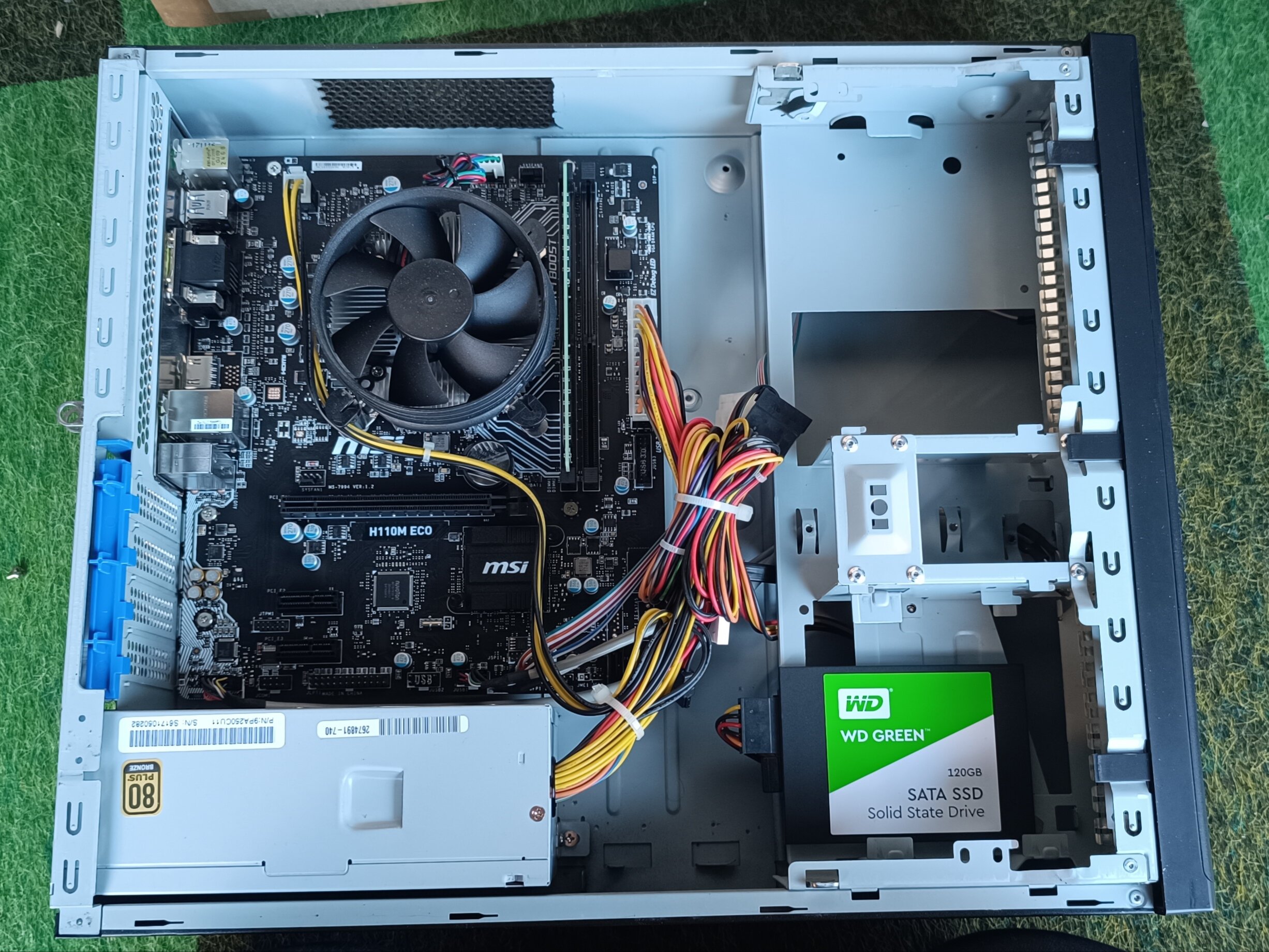
Computer just arrived - very, very impressed for the money. Pretty much immaculate inside and out.
Exactly as photographed - normal motherboard, bronze rated 250W PSU (which if underpowered I can swap out anyway), which has Molex connectors so I can use my Molex splitters for hopper / coin mech.
Only just got here and won't have a chance to play with the machine as now I'm free mum wants to go out for some fresh air. Fresh is bloody right, the cars haven't defrosted yet!!
Anyway I'm so impressed I may well order another for the Interplay, as that'll need a dedicated PC too rather than the mini PC in there at the moment!!
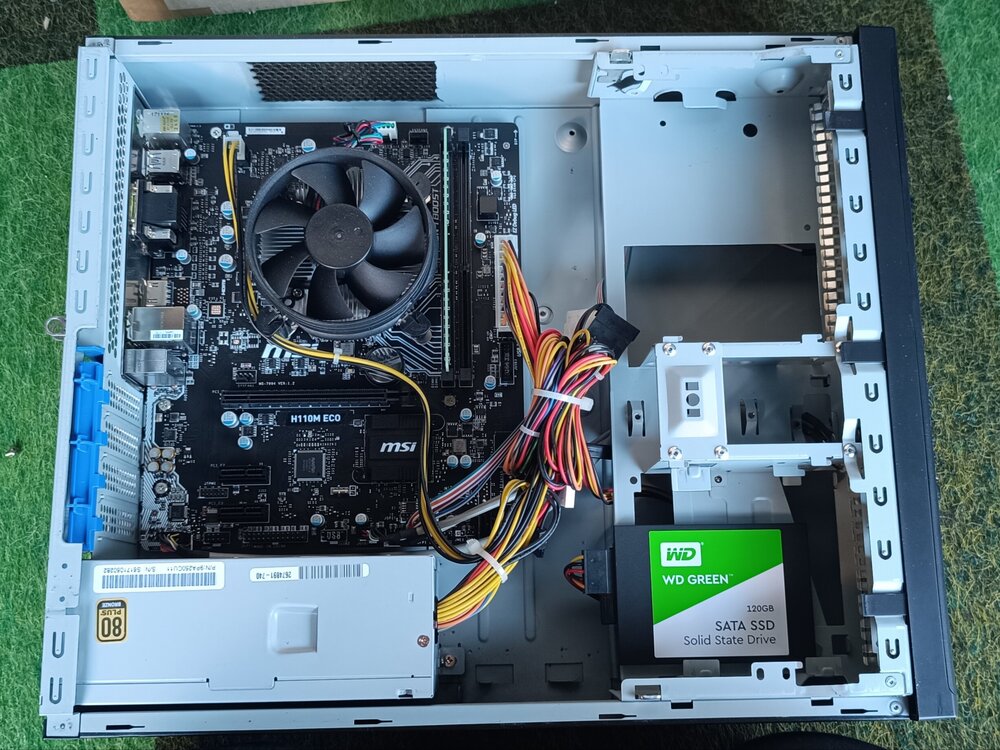
I put a 2GB graphics card in mine which helped with some layouts like Viz, Indiana Jones etc.
-
Drivel lol
-
1
-
-
Erm... you got a wire diagram?

-
@Amusements I meant to ask you how you got the note acceptor working, as I always have mates coming round with no change
From what I remember you used a note saving box or something? Care to explain how you did it?

-
anyone?
-
Is there a way in a home build that you make it pay out by the press of a button?
I tried changing a button to hopper 1 but nothing happpened.
-
@No1Stoney I'm thinking of building one like that.
My idea being that the reels are on the bottom section and the board on the top, did yours ever work like that?
-
Cool, i'm thinking about doing something like that, but will have to play around with it for a bit.
-
What size screen is that?
I want to build another lol. But with 2 screens, one for the reels and one for the top part. It can be done.
Looks good that btw. Send us some pics of the inside.
-
1 hour ago, davep180 said:
Nice one mate. Can you put up the lamp numbers for each machine when you get done? That looks ace.
 Where did you get the beacon from? Thanks man.
Road Hog and Hot Rod are lamp 11.
It was off temu for a couple of quid, i bypassed the x3 battery and wired it direct to pac drive and it works fine.
-
 1
1
-
-
Got Hot Rod working now
-
1
-
-
Anyone know the cops and robbers bell fruit lamp number?
-
1
-
-
Probably going to be difficult figuring out the lamp numbers.
-
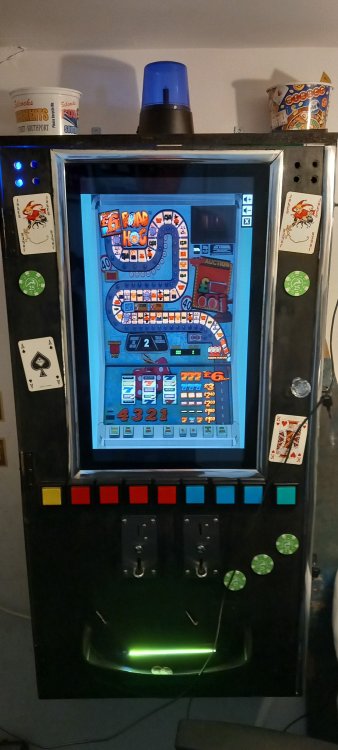
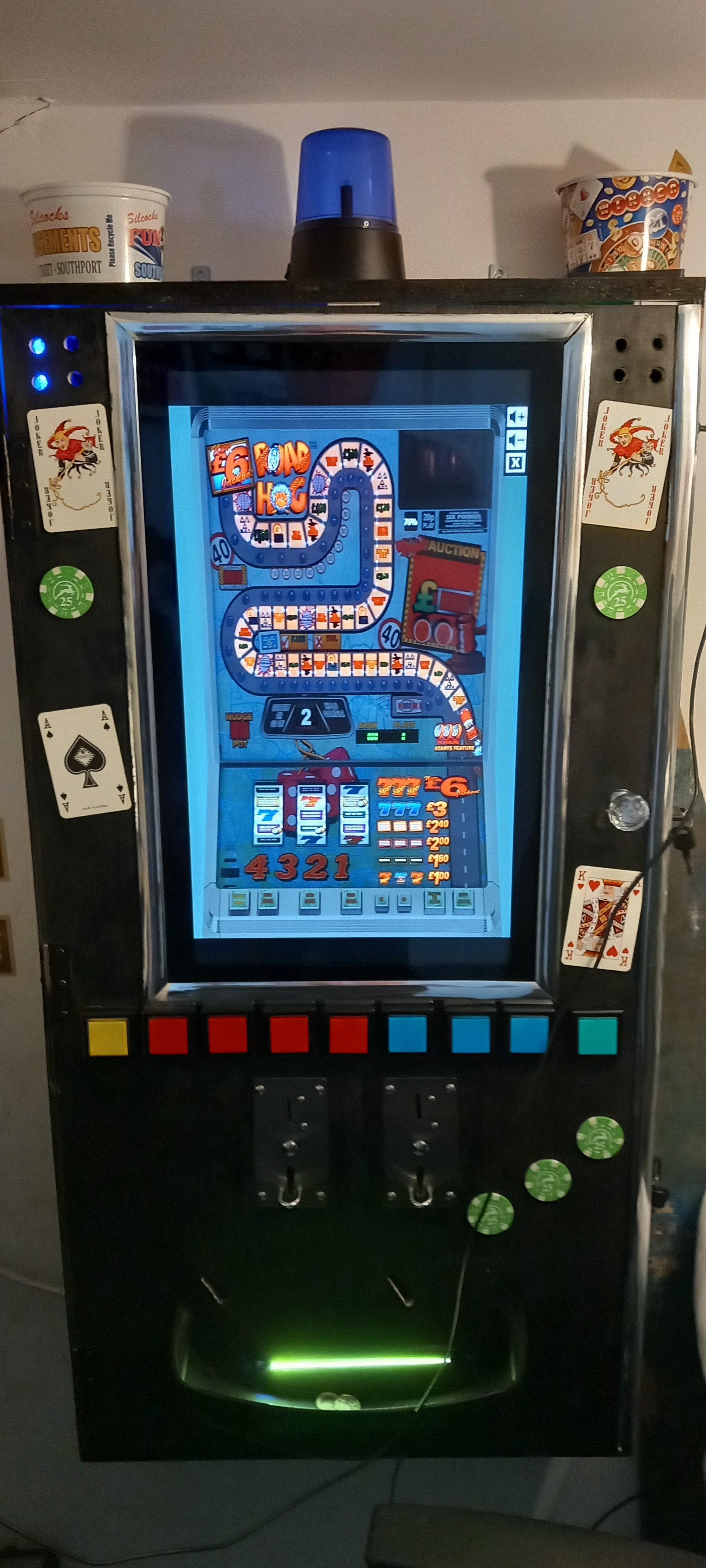
So for a couple of quid I added a blue beacon to my home build, the lamp number for the beacon is number 11 off the actual 1-12 reel, and it is connected to the LED controller number 10.
As you can see it works when the POLICE lamp on the 1-12 reel lights up.
What other machines do we have with beacons? I used to own a cops and robbers fruit machine and I attached a beacon to somewhere on the motherboard, looking at the emulation I have of cops and robbers is the beacon or lamp emulated on that?
-
5
-
-
Luxor, Sphinx?
-
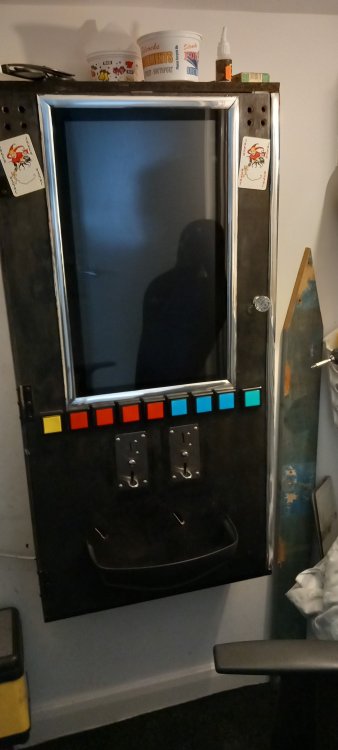
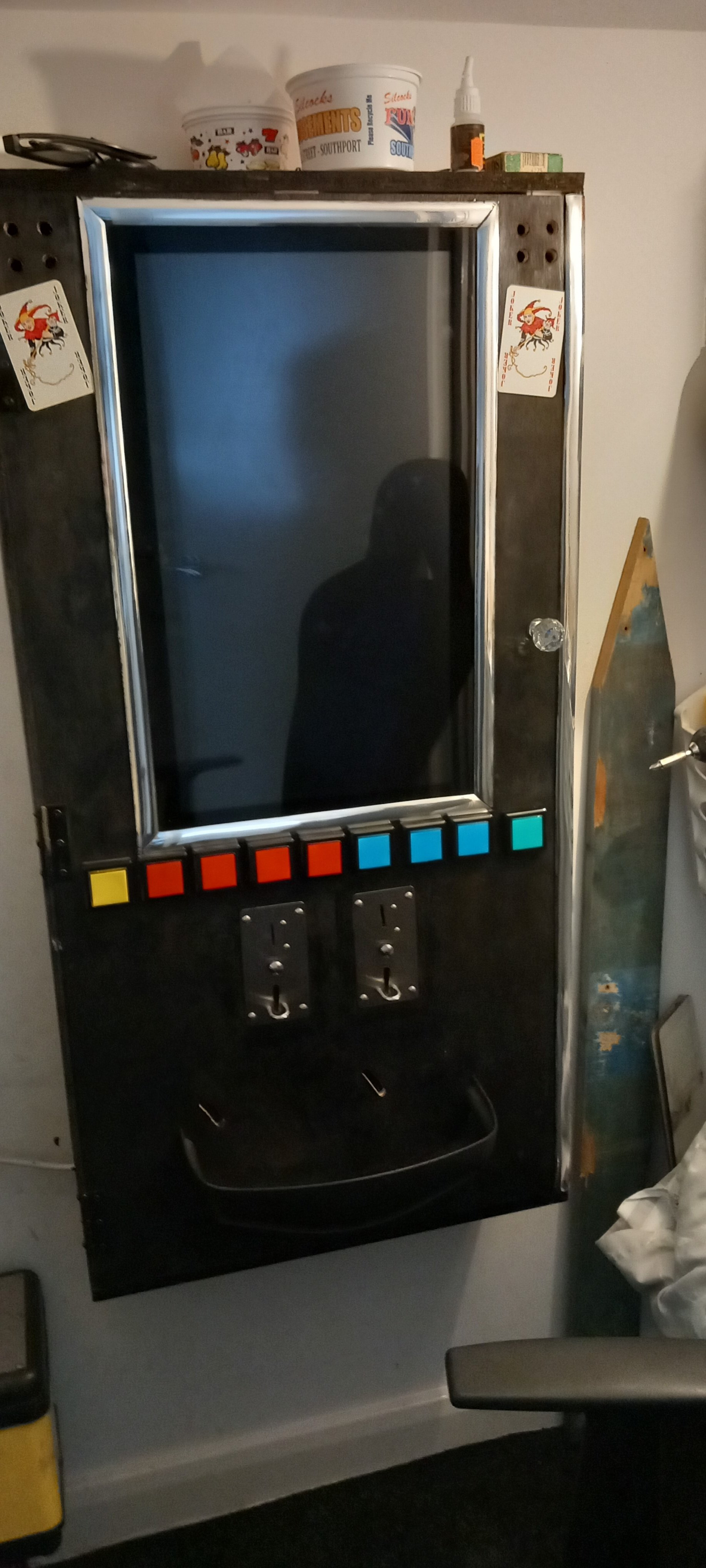
You'll regret selling it, you'll end up building another, if you're short of money try to stick it out (or bet it all on black on 888.com lol). Short of space, build a wall mounted one like mine.
-
1
-
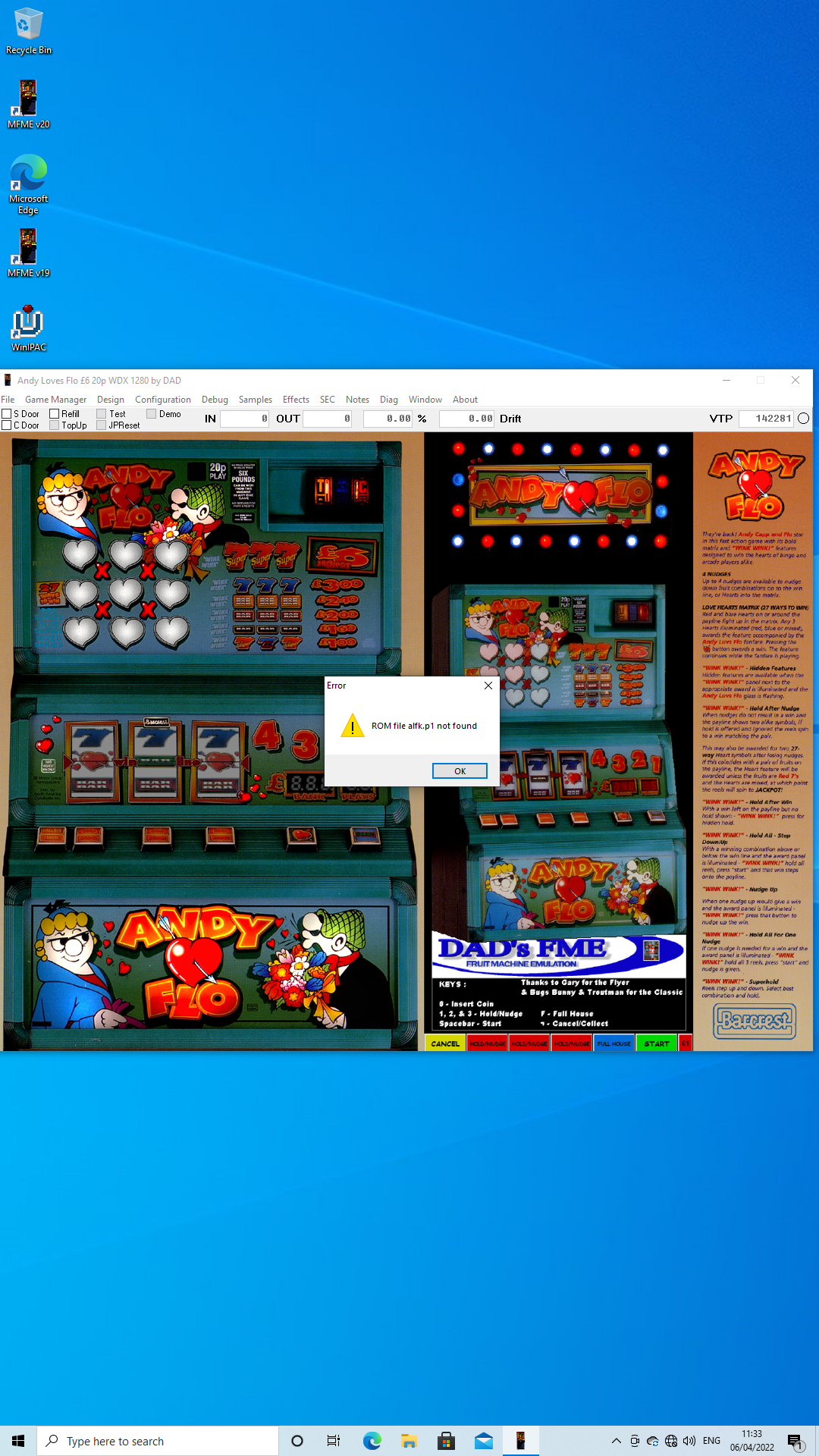
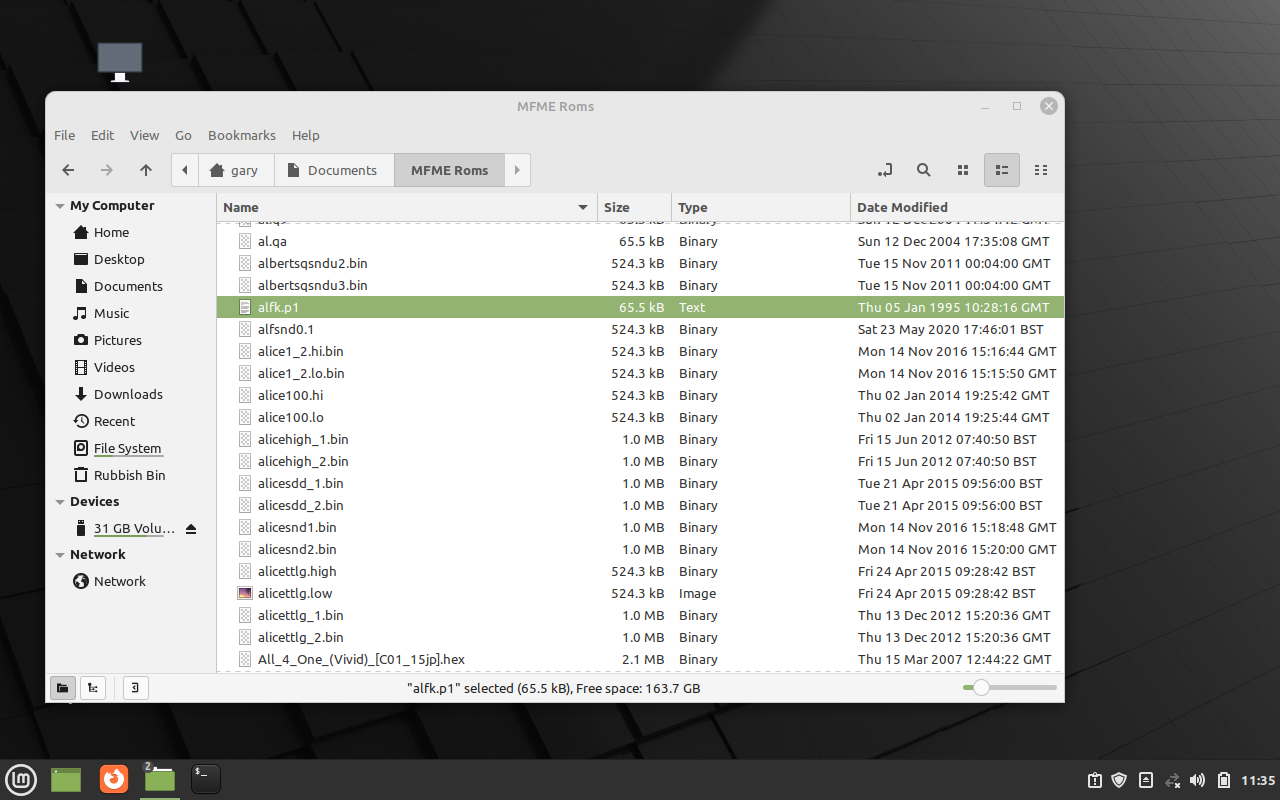
Full Set Of MFME Roms (23/01/22)
in Layout Layout and Legacy Rom Support Area
Posted
Yes exact quoute